V-Ray for 3ds Max → V-Ray for Cinema 4D — Keep Every Material
Move every VRayMtl, every shader graph, every VFB2 layer and every VRay Proxy from 3ds Max to Cinema 4D — node-by-node, drop-in for V-Ray for Cinema 4D.
V-Ray for Cinema 4D vs V-Ray for 3ds Max
Same renderer engine. Same VRayMtl. Same VFB. Different host.
The good news
V-Ray for Cinema 4D is a full native port maintained by Chaos Group, built on the same renderer core as V-Ray for 3ds Max. The core material types — VRayMtl, VRayBlendMtl, VRayBitmap, VRayNormalMap — exist in both versions. Parameter names, BRDF models, and rendering behavior are essentially identical across platforms. If a VRayMtl looks correct in 3ds Max, it will look correct in Cinema 4D given the same property values. That parity is the whole reason a 1:1 transfer is even possible.
The catch
Chaos Group does not provide a scene interchange tool between the two hosts. The .max file format itself is proprietary to Autodesk and can only be read by 3ds Max — V-Ray for Cinema 4D has no way to open a .max file directly.
FBX export strips all V-Ray data completely — every VRayMtl becomes an empty Standard material, every VRayBitmap connection disappears, and the entire shader graph is gone. You're left with gray geometry and an empty material editor. Side-by-side breakdown: MAX2C4D vs FBX comparison.
MAX2C4D bridges this gap. It reads V-Ray materials directly from the .max file through the 3ds Max SDK and rebuilds them as native V-Ray for Cinema 4D shaders — preserving every property, every node connection, and every texture path. See the manual rebuild approach for the full ROI math, or the complete .max opening guide for the workflow.
V-Ray Material Types That Transfer
13 V-Ray material types. All preserved as native V-Ray for C4D.
Each is recreated as its native V-Ray for Cinema 4D equivalent with all properties mapped — not approximated with a Standard material, but rebuilt as the exact same material type with the same parameter values.
Every material type is rebuilt node-by-node. VRayMtl alone has over 40 transferable properties including diffuse color, roughness, metalness, reflection glossiness, IOR, refraction, SSS radius, coat weight, coat roughness, sheen color, sheen glossiness, thin film thickness, and more. Full feature list: Features page. For the full scene workflow, see convert 3ds Max scenes.
V-Ray Shader Nodes: Full Graph Preservation
Every node, every connection — VRayBitmap → VRayColorCorrection → VRayMtl chains preserved.
Materials are only half the picture. A production V-Ray scene uses dozens of shader nodes wired together in complex node graphs — bitmaps feeding into color corrections, triplanar projections, compositing layers, and randomizers. MAX2C4D preserves these node graphs completely, not as approximations but as exact recreations of every connection.
If a VRayBitmap feeds into VRayColorCorrection, which feeds into VRayCompTex, which connects to the roughness slot of a VRayMtl — that entire chain is recreated exactly in Cinema 4D. No flattening, no baking, no approximation.
Texture & Mapping Nodes
- VRayBitmap — tiling, offset, rotation, color space, UDIM support
- VRayNormalMap — bump and normal strength, flip red/green, map type
- VRayTriplanar — projection without UVs, blend amount, texture size
- VRayUVWRandomizer — random UVW offsets per object for texture variation
- VRayMultiSubTex — random per-object color/texture variation
- VRayHDRI — HDR environment and reflection maps
Utility & Effect Nodes
- VRayDirt — ambient occlusion with radius, color, and distribution
- VRayEdges — wireframe rendering with pixel/world width
- VRayCurvature — curvature-based masking for wear and edge effects
- VRayCompTex — compositing with blend modes (multiply, add, overlay)
- VRayColorCorrection — hue/saturation/brightness adjustments
- VRaySoftbox, VRaySky, VRayOCIO — environment and color management
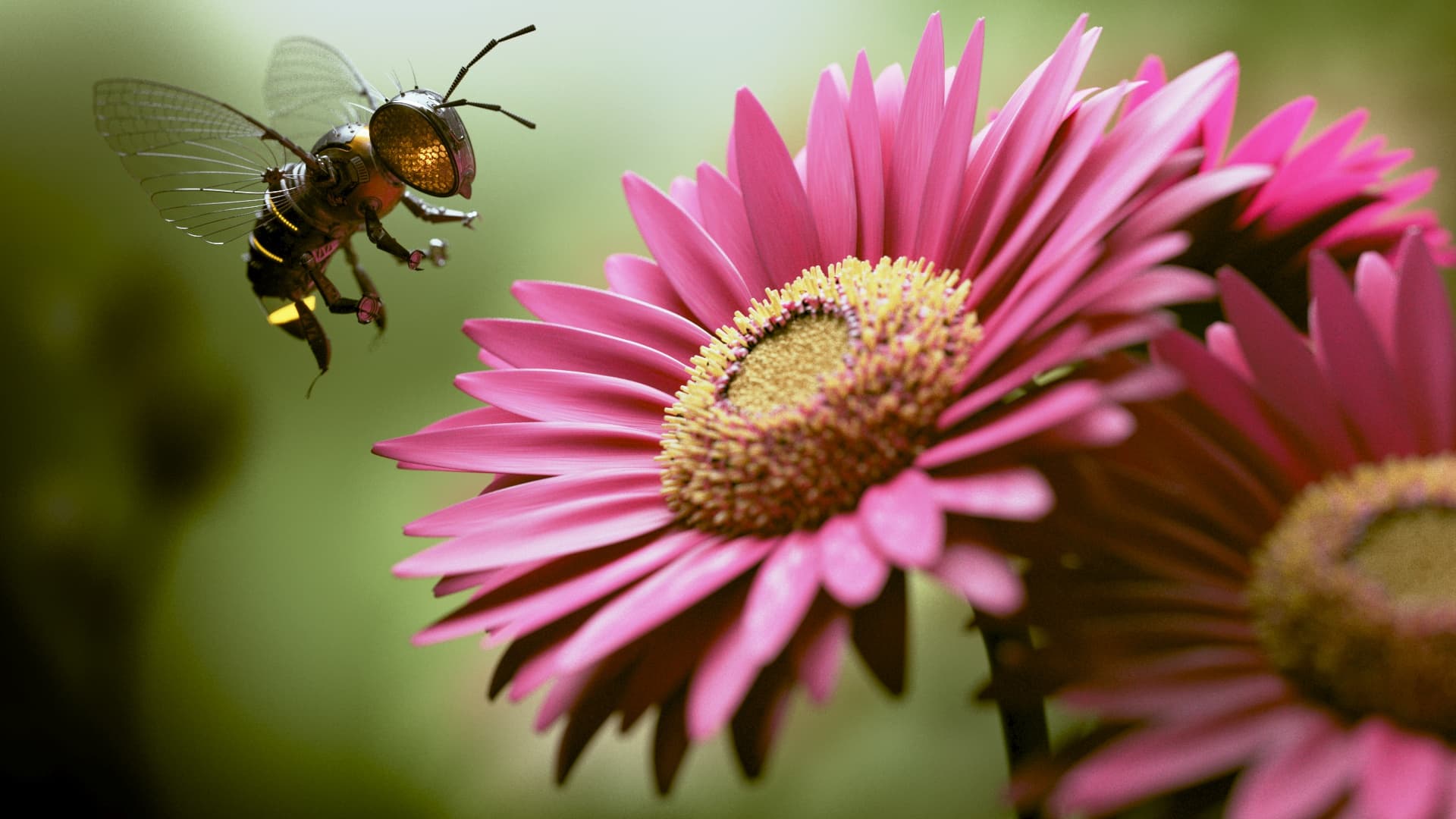
3ds Max (V-Ray)
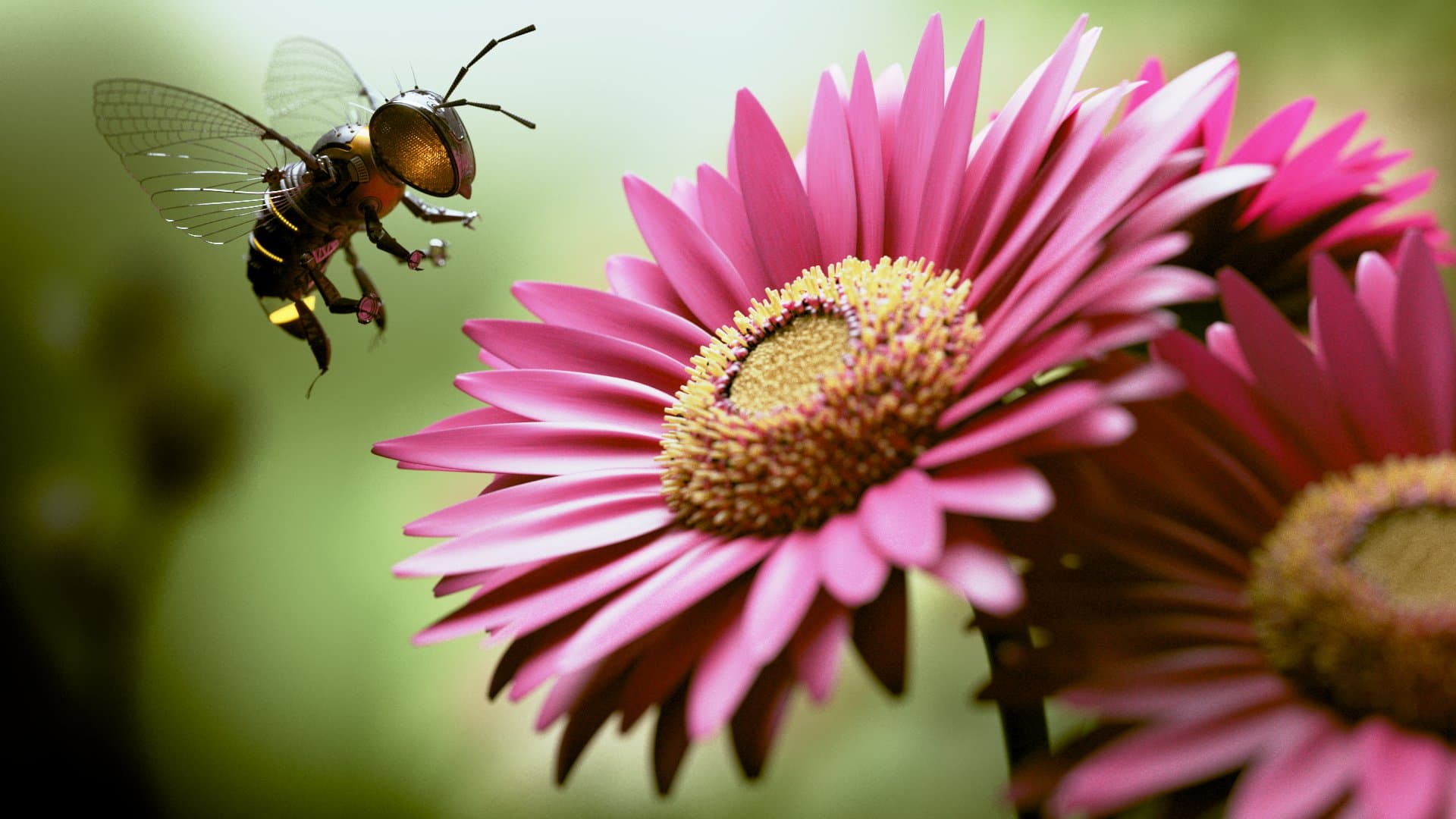
Cinema 4D (V-Ray via MAX2C4D)
Same V-Ray scene — left is the original 3ds Max render, right is the Cinema 4D conversion via MAX2C4D. Materials, textures, and lighting transfer with full fidelity. Step-by-step: How It Works tutorial. Corona pendant of this guide: Corona materials guide.
Cross-Renderer Conversion: V-Ray to Corona
Bought Corona for C4D? Convert V-Ray scenes as Corona shaders.
One of MAX2C4D's strongest features is cross-renderer conversion. If you don't have V-Ray for Cinema 4D installed — or if you simply prefer Corona — MAX2C4D automatically converts all V-Ray materials to their native Corona equivalents. Not a lossy fallback; a full property-level mapping between the two renderers.
You can control this behavior with the renderer dropdown in the MAX2C4D importer. Three modes are available:
Auto Mode
Detects the dominant renderer in the 3ds Max scene. If the scene uses V-Ray and V-Ray for C4D is installed, materials stay as V-Ray. If not, they convert to Corona automatically.
Corona Mode
Forces all V-Ray materials through the Corona conversion pipeline regardless of what renderers are installed. Useful when you standardize on Corona across your studio.
V-Ray Mode
Forces all materials to stay as native V-Ray. Requires V-Ray for Cinema 4D to be installed. Use this when working exclusively in V-Ray.
You aren't locked into one renderer for life. The dropdown is per-import — bring a Corona scene in as V-Ray, or vice versa, depending on what your studio uses today. Detailed Corona mapping in the Corona materials guide.
Common V-Ray Material Setups in Archviz
Real-world V-Ray chains the way archviz pros build them.
These are the V-Ray material configurations that show up in nearly every production archviz project — wood floors, glass, fabric, metals, leather. Each one converts 1:1 from V-Ray for 3ds Max to V-Ray for Cinema 4D, with the same node structure, the same parameter values, and the same render result.
Wood Floor
VRayMtl with a VRayBitmap feeding the diffuse color through VRayColorCorrection for hue shift, then VRayTriplanar for projection without UVs on uneven boards. Separate glossiness map (inverted from the same diffuse texture) and a VRayNormalMap for surface micro-detail. The full chain — bitmap, color correction, triplanar, plus glossiness and normal channels — transfers exactly as built in 3ds Max.
VRayBitmap → VRayColorCorrection → VRayTriplanar → VRayMtl (diffuse) + glossiness map + VRayNormalMap
Architectural Glass
VRayMtl with refraction enabled, refraction glossiness at 1.0, IOR set to 1.52 for standard window glass, and Affect Shadows enabled for proper light transmission. Fog color and fog multiplier control the green tint of thicker panes. Single-sided thin mode is enabled for windows so the renderer skips the second refraction event. All of these parameters carry over with exact values.
VRayMtl (refract: white, IOR: 1.52, glossiness: 1.0, fog color + multiplier, affect shadows: on, single-sided: on)
Curtain Fabric
VRay2SidedMtl wrapping a VRayMtl base — the two-sided shader handles the translucent backlight that gives sheer curtains their soft glow when light passes through. Diffuse texture feeds through VRayColorCorrection for tone, and a sheen layer (sheen color and sheen glossiness on the base VRayMtl) gives the woven surface its characteristic soft highlight.
VRay2SidedMtl → VRayMtl (diffuse + sheen layer) with translucency color and amount
Brushed Metal
VRayMtl with metallic mode (reflection set to white, fresnel disabled), anisotropy for the brushed-direction streaks, and a glossiness map driving subtle variation in surface polish. Anisotropy rotation is mapped to a UV-aligned bitmap so the streak direction follows the geometry. Anisotropy amount and rotation angle transfer exactly — critical because even a 5° rotation difference shifts highlights visibly.
VRayMtl (reflect: 1.0, fresnel: off, anisotropy + rotation map, glossiness map)
Worn Concrete
VRayBlendMtl mixing two VRayMtl layers — clean concrete on the base, dirty/wet concrete on top — blended by a VRayDirt mask so dirt accumulates in cavities and edges. VRayCurvature can drive an additional edge-wear layer. The full blend tree with both base materials, the dirt mask, and the per-layer property sets transfers intact as a single VRayBlendMtl in Cinema 4D.
VRayBlendMtl → base VRayMtl + coat VRayMtl with VRayDirt mask
Leather
VRayMtl with a small SSS contribution (subsurface color, scatter radius around 2-5 mm) for the soft translucent quality of dyed leather, plus a glossiness map for uneven polish, a normal map for grain detail, and Fresnel reflection. SSS amount, scatter radius, and the color used for back-scatter all transfer.
VRayMtl (diffuse + SSS amount/radius/color + fresnel reflect + normal map)
See these exact setups rendered in the Art Deco apartment benchmark — 772 objects with V-Ray and Corona materials side-by-side.
“The V-Ray graphs come through node-for-node. We stopped reshading purchased assets — the look matches the preview straight after import.”
What About Non-V-Ray Shaders?
Standard Max shaders auto-convert. Procedurals are scoped out.
Real-world V-Ray scenes in 3ds Max often mix V-Ray-specific shaders with built-in 3ds Max texture maps — Falloff for fresnel-style blends, Composite for layered textures, standard Bitmap nodes alongside VRayBitmaps. Some have direct equivalents in V-Ray for Cinema 4D; others need creative mapping or fall outside conversion scope.
Converted automatically
- Falloff → VRayFalloff or Mix shader with Fresnel setup
- Color Correction → VRayColorCorrection
- CompositeTexturemap → VRayCompTex with blend modes
- Bitmap → VRayBitmap with full UV and color-space settings
- Mix → Mix shader with amount or mask
- Output → VRayColorCorrection with curve sampling
- Multi/Sub-Object → Polygon Selection Tags per material ID
Not yet supported
- Cellular — 3ds Max procedural noise pattern
- Noise — 3ds Max built-in noise
- Wood / Marble — 3ds Max procedural grain shaders
- Smoke / Gradient Ramp — procedural gradient maps
Unsupported procedurals are logged in the conversion report. In practice most archviz scenes use bitmap textures rather than procedurals, so these rarely appear. If you're evaluating other tools, see the MaxToC4D alternative comparison or the broader 3ds Max → C4D tools ecosystem.
V-Ray Render Settings and VideoPost
~130 render parameters preserved. Open and hit render.
Materials are critical, but render settings determine how those materials actually look in the final image. MAX2C4D transfers approximately 130 V-Ray render parameters via Cinema 4D's VideoPost system — so you don't have to manually copy sampler settings, GI configuration, or tone mapping values from screenshots of the 3ds Max render dialog.
Open the converted Cinema 4D scene, hit render, and the output matches the original 3ds Max result. No manual tweaking of sampler subdivisions or GI solver settings. The render pipeline transfers alongside the materials.
Sampling & GI
- Image sampler type — adaptive DMC, bucket, progressive
- Min/max subdivisions and noise threshold
- GI engine — brute force, light cache, irradiance map
- Light cache subdivisions and store direct light
- GI depth, bounces, and clamp values
Post-Processing & Output
- Color mapping type and multiplier
- Exposure (linear, Reinhard, exponential)
- VFB2 post-processing layers — LUT, curves, white balance
- V-Ray denoiser settings and strength
- Environment overrides — GI, reflection, refraction
Full feature list: Features page.
V-Ray Advanced Objects
VRay Proxy, Clipper, Fur, Decal, Fog, Aerial — all preserved.
Production V-Ray scenes rely on more than materials and render settings. MAX2C4D handles V-Ray's specialized scene objects — the proxies, volumetrics, and effects that make complex scenes work.
VRay Proxy
References to .vrmesh files are preserved in the Cinema 4D scene. V-Ray for Cinema 4D loads the proxy geometry at render time, keeping your scene lightweight. Proxy transforms, material overrides, and display modes all transfer.
VRay Clipper
Section cut planes with clip mesh support. Useful for architectural cutaway renders showing interior structure. Position, orientation, and exclusion lists transfer.
VRay Fur
Procedural hair and grass generation. Length, thickness, gravity, bend, and distribution maps are transferred to VRay Fur in Cinema 4D.
VRay Decal
Projected decals for logos, stains, and surface details. Projection size, fade distance, and material assignment are preserved.
VRay Environment Fog
Volumetric atmosphere with fog color, density, scatter GI, emission, and height-based falloff. Creates the same atmospheric depth in Cinema 4D renders.
VRay Aerial Perspective
Distance-based atmospheric haze that simulates how light scatters through air over long distances. Visibility range, inscatter color, and filter color transfer.
For ForestPack-based scatter setups (often combined with V-Ray Proxy assets), see the ForestPack to Chaos Scatter guide.
Explore the rest of MAX2C4D
Features
Every supported material, shader and renderer setting.
How it works
Step-by-step walkthrough of a real conversion.
vs FBX
Side-by-side breakdown of what FBX destroys.
vs Manual rebuild
Why one-by-one rebuilding never scales.
Showcase
Real archviz scenes converted by studios.
What transfers
The full compatibility matrix, class by class.
Batch exporter
Convert 100+ V-Ray scenes overnight, unattended.
Pricing
1-year license. All updates included. Money-back guarantee.
Related Guides
Corona Materials in Cinema 4D
Sibling guide — CoronaPhysicalMtl, CoronaBitmap, 80+ shader nodes, 1:1 mapping.
Convert 3ds Max Scenes to Cinema 4D
Full conversion guide — geometry, materials, lights, cameras, render settings.
How to Open .max Files in Cinema 4D
Step-by-step on opening proprietary .max files inside Cinema 4D.
Studio Migration Playbook
Rolling Max → C4D across an archviz studio without dropping deadlines.
Forest Pack to Chaos Scatter
How scatter density, slope limits and clusters map to Chaos Scatter.
3dsky / Evermotion Assets in C4D
How to use .max archviz asset libraries in Cinema 4D without losing materials.
Frequently Asked Questions
Keep every V-Ray material. Every node. Every render setting.
13 material types. 25+ shader nodes. ~130 render parameters. VRay Proxy intact.