


Drop a .max.
Get a Cinema 4D scene.
MAX2C4D rebuilds your scene natively — materials, lights, cameras and render settings included. Choose Corona, V-Ray or Redshift. Mac and Windows. Nothing else to install.
1-year license · No auto-renewal · 14-day money-back
Three render engines
Risk-free
$99 / year
14-day refund · 2 machines
Works with
Reads .max files directly
Pipeline


Drop the .max on Cinema 4D. Full scene rebuilt — no export step.
A .max Lands in Your Inbox. Now What?
847 objects. 200 Corona and V-Ray materials, nested: a CoronaColorCorrect over a CoronaBitmap, a CoronaMixMtl inside a CoronaLayeredMtl. You need it in C4D, and the render is due tomorrow.
Without a 3ds Max licence, it's worse than losing the materials: you can't even open the file.
Re-noding by hand
Screenshotting node graphs on a second screen. Rebuilding each material from scratch. Eyeballing IOR values.
FBX = Gray Geometry
All your CoronaPhysicalMtl, VRayMtl, CoronaLayeredMtl, VRayBlendMtl — wiped out. Multi/Sub-Object assignments gone. Texture paths broken. Untextured meshes and a material editor full of nothing.
Client Sends V2
New furniture. Updated finishes. The .max scene changed. All your manual material work — do it again. From zero.
No Quick Iterations
A 5-minute lighting test becomes a 2-hour detour. Every asset needs its materials rebuilt.
Massive 3D Libraries — Off Limits
Thousands of ready-made assets on CGTrader, 3dsky, Chaos Cosmos — all in .max format with Corona or V-Ray materials. You know they'd save hours, but the conversion cost makes them unusable in C4D.
Yeah, no. There's a better workflow.
See it in action
You don’t even need 3ds Max installed. The plugin reads .max files natively — open one straight from Cinema 4D.
One scene in. Your renderer out.
He models in Corona. You render in Redshift. Drop his .max on Cinema 4D and the scene arrives in your engine, not in his: materials, lights, cameras and render settings rebuilt as native Redshift nodes. Every engine converts into every engine, 9 routes in all.


The scene your client sends most often.
A Corona .max file arrives in
- CoronaPhysicalMtl, node for node
- Tone mapping
- Chaos Scatter
- CoronaPhysicalMtlVRayMtl
- CoronaSunVRaySun
The sky follows its sun.
- CoronaPhysicalMtlRS Standard
- CoronaSunRS Sun & Sky
Proxies bake into real geometry.
Studio scenes and most marketplace assets.
A V-Ray .max file arrives in
- VRayMtlCoronaPhysicalMtl
- V-Ray lightsCorona lights
VRaySky follows its sun.
- VRayMtl and its render settings
- V-Ray Proxy
- Decal and Clipper
- VRayMtlRS Standard
- VRayLightRS Light
- VRaySunRS Sun & Sky
Redshift in 3ds Max, Redshift in Cinema 4D, or neither.
A Redshift .max file arrives in
- RS StandardCoronaPhysicalMtl
- RS lightsCorona lights
- RS SunCorona Sun
Colour, reflection, refraction, coat, sheen, emission and bump.
- RS StandardVRayMtl
- RS lightsV-Ray lights
- RS SunVRaySun
The same set of channels.
- RS Standard stays RS Standard
- All 152 Redshift classes covered
Audited, route by route
9
engine routes
3,415
objects in the corpus
0
visible gaps
A visible gap is a setting the route carries nowhere and whose value changes from one object to the next: something a person had set by hand, and would lose. Settings left at their default across the whole corpus are counted separately, because nobody would see them go.
What a cross-renderer route cannot carry
Conversion is honest rather than lossless. V-Ray Environment Fog, Aerial Perspective, Clipper and Fur have no Redshift target. Corona Scanned, Fabric, EdgeMap, Slicer and Outline have no Redshift equivalent by construction. Each one is named in the import log rather than dropped in silence, so you know what to rebuild before you look for it.
What maps and what does notAlready in Cinema 4D, no .max involved
The routes above start from a .max file. A scene already open in Cinema 4D is converted by the Convert tab instead: Corona or V-Ray in, Corona, V-Ray or Redshift out — four routes, materials, lights, cameras, render settings, environment, proxies and scatters rebuilt in place.
Everything transfers.
Click a category to see what MAX2C4D handles.
Full Corona, V-Ray & Redshift Material Graphs
Every Corona, V-Ray and Redshift material type recreated in C4D as native renderer equivalents — not approximated. Base color, roughness, metalness, IOR, SSS, clearcoat, thin film, volumetrics, emission. Nothing baked. Nothing flattened.
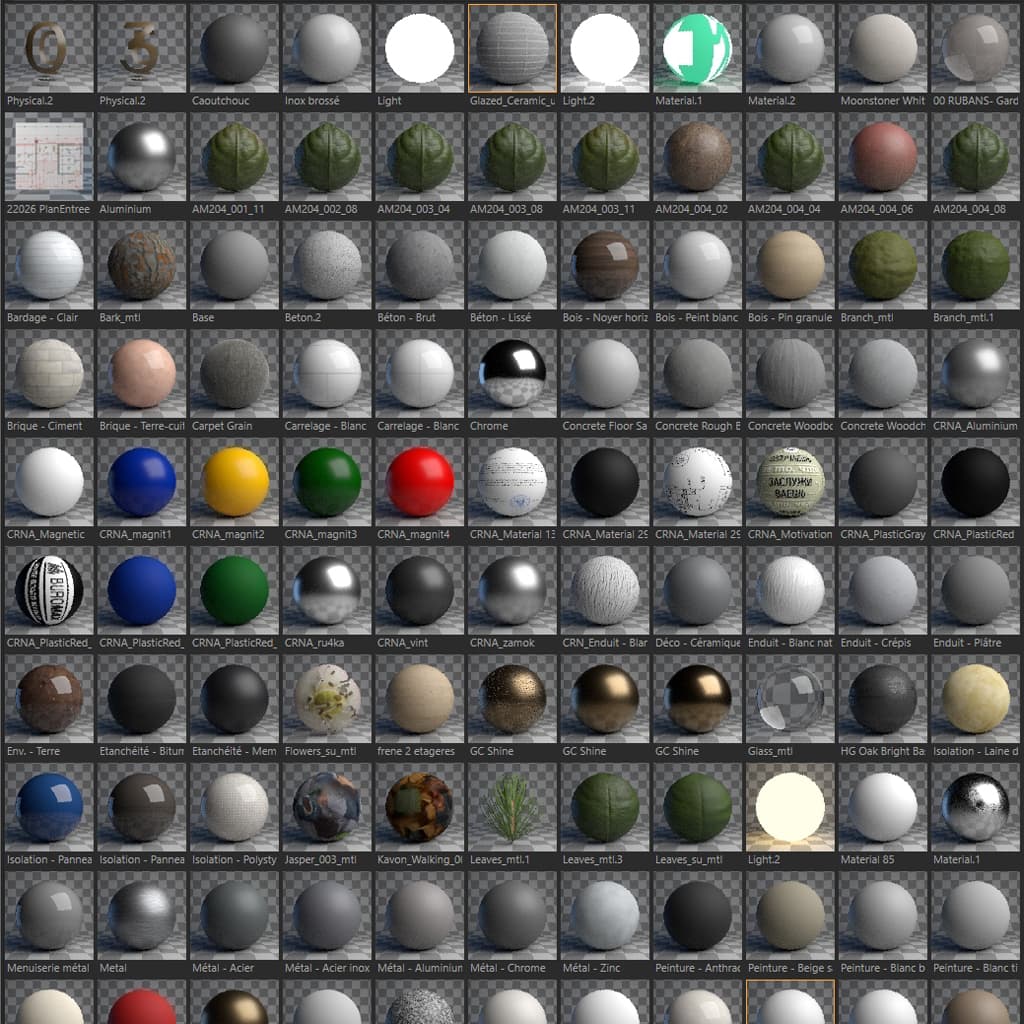
Pixel-Perfect Conversion
Same scene, same materials, same render. Left is Max, right is C4D. Spot the difference.



How to Open 3ds Max Scenes in Cinema 4D
One installer. Drop the .max on Cinema 4D. That's it — the scene rebuilds on the native reader.
Install
Download the installer and run it. It sets up the Cinema 4D plugin, and the 3ds Max exporter too if you have Max. No manual file copying.
Drop the .max
Drag the file onto Cinema 4D, or use File > Open. MAX2C4D decodes the .max format itself — no export step, nothing to prepare. Archives and multiple files work too.
Pick your renderer
Corona, V-Ray or Redshift — or let it follow the Max scene, or the document you are already working in. Materials, lights, cameras and render settings rebuild natively.
Hit Render
Your scene renders like it did in Max. Same materials, same lighting, same render config. No re-noding. No guessing values from screenshots.
FBX Export vs. Manual Rebuild vs. MAX2C4D
Tested on a real archviz interior — 847 objects, 200 Corona materials. V-Ray and Redshift scenes convert just as cleanly.
| What you need | Manual Rebuild | FBX Export | MAX2C4D |
|---|---|---|---|
| Needs 3ds Max installed | Required — you open the file in it | Required — someone has to export | No — reads the .max directly |
| Corona, V-Ray & Redshift materials | Rebuild from scratch | All wiped out | Full node graph preserved — all three renderers |
| Node graph nesting | Screenshot & rebuild | Flattened | Recursive — every node |
| Multi/Sub-Object | Reassign by hand | Material IDs lost | Polygon selections per ID |
| Texture paths | Relink one by one | Half broken | UNC, NAS, cloud — resolved |
| Render config | Copy values manually | Not exported | GI, denoiser, tone mapping, LUT |
| Scatter (Chaos Scatter + ForestPack) | Rebuild scatter setup | Not exported | ForestPack → Chaos Scatter, full config |
| V-Ray native pipeline | No V-Ray in C4D | Not supported | 15+ materials, ~130 render settings |
| Redshift native pipeline | Rebuild every RS node by hand | Not supported | 24 materials, 123 texmaps, RS lights & render settings |
| Cross-renderer (V-Ray / Corona → Redshift) | Remap every shader by hand | Not supported | One dropdown — on import, or on a scene already open |
| Time (847-obj scene) | 4-8 hours | 1-2 hrs + manual fixes | 43 seconds |
Sound familiar?
Real scenarios. Real deadlines. One tool.
You've never owned 3ds Max. You still get sent .max files.
Drop the .max on Cinema 4D and it opens — materials, lights, cameras and all. MAX2C4D decodes the format itself, and the scene graph names its own classes, so a Corona or V-Ray scene opens on a machine where that engine was never installed.
You work on a Mac. 3ds Max has never run on one.
Until now that meant borrowing a Windows box to convert anything. MAX2C4D reads the .max on your Mac directly, Apple Silicon native, and Redshift ships with Cinema 4D — so you open and render without leaving the machine.
Client sends a .max file. Deadline is tomorrow.
200 Corona and V-Ray materials, nested node graphs, Multi/Sub-Object on every piece of furniture. You work in C4D. Import with MAX2C4D, render tonight.
You bought an archviz scene on CGTrader. It's a .max file.
Great model, wrong software. Instead of rebuilding every CoronaPhysicalMtl or VRayMtl by hand, run the export, import in C4D, done. The materials look exactly like the preview.
Your studio is migrating from Max to C4D. 50 project files.
Not one scene — fifty. Each with its own material library, texture paths on the NAS, custom render settings. MAX2C4D handles them all. Batch your migration, not your weekends.
Half your team uses Max, half uses C4D. Same project.
The Max guys model and shade. The C4D guys light and render. One person exports once and the whole team imports the folder — so the 3ds Max licence stays on a single workstation instead of one per artist.
FAQ
“You’ve done a great job! The time I’ve gained is priceless. And an additional benefit is minimizing the load on 3ds Max.”
50+ archviz pros already using MAX2C4D

Stop rebuilding your
entire scene by hand.
Every hour you spend rebuilding materials, relinking textures, and reconfiguring lights and render settings is an hour you're not rendering, not iterating, not billing. MAX2C4D pays for itself on the first scene.
1-year license — not a subscription.
Valid 12 months from purchase. Nothing renews automatically — you decide whether to buy another year.
Cinema 4D 2024–2026 (Apple Silicon on Mac) · Corona 7–12+ · V-Ray 5–7+ (V-Ray 3+ scenes natively) · Redshift (C4D 2024.4+) · 3ds Max 2020–2026 optional

Guides
Open a .max File in Cinema 4D
How the native reader opens a .max directly — what works now, and what still does not.
Convert 3ds Max to Cinema 4D (2026)
The complete guide — FBX vs manual rebuild vs MAX2C4D.
Corona Materials: 3ds Max → Cinema 4D
CoronaPhysicalMtl, node graphs, and 20+ material types transferred 1:1.
V-Ray Scene Conversion: 3ds Max → Cinema 4D
How VRayMtl, shader nodes and ~130 render settings transfer node-by-node.
Redshift: 3ds Max → Cinema 4D
RS Standard Material, 123 texmaps, RS lights and render settings, node for node.
V-Ray & Corona → Redshift
Change renderer and application in one step — the conversion nobody else does.
Use 3dsky & Evermotion Assets in C4D
Unlock archviz asset libraries for Cinema 4D without losing materials.